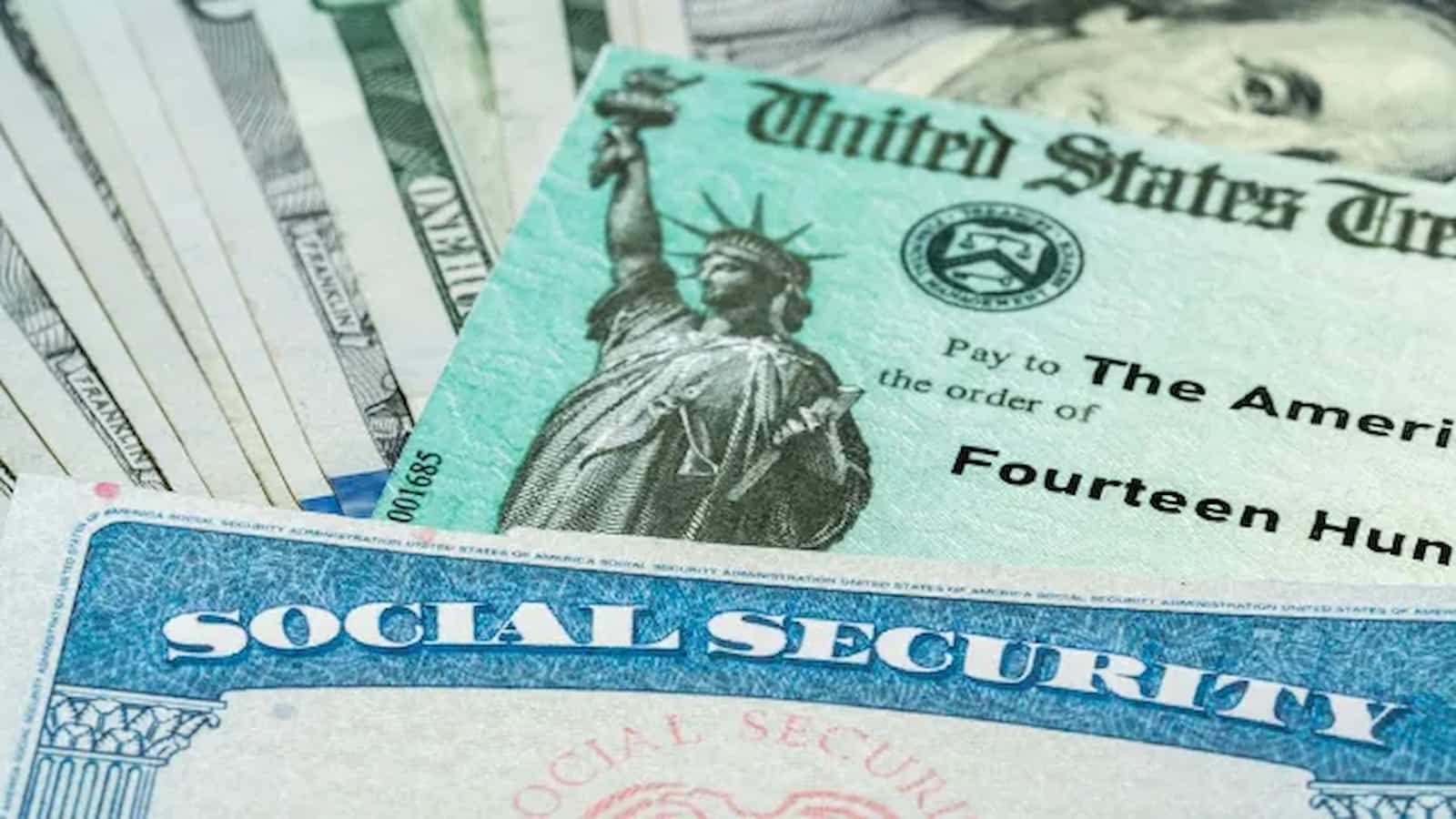
Social Security email scam: The Social Security Administration told people who get emails from them about changes to their online services, like My Social Security accounts, last month.
These changes are meant to make it easy to log in, meet federal requirements for authentication, and keep your account and other online services safe.
You’ll need to switch to a Login.gov account if you signed up for your account before September 18, 2021. This is so you can keep using your online Social Security account.
Online Social Security accounts let people who are already getting benefits or who aren’t yet getting benefits manage their benefits get replacement cards, guess how much they will get in the future, and check on the progress of their applications.
Everything You Need to Know to Maximize Social Security Benefits
For both present and prospective beneficiaries, as well as the Social Security Administration, who are struggling with lengthy wait times for its national 800 phone number, using the online services might save time.
Make changes to your account
Visit ssa.gov/myaccount and enter your Social Security username to log in if you already have a My Social Security account. After that, Login.gov will walk you through the process of making a new account. Upon successfully connecting your new Login.gov account to your My Social Security account, you will get a confirmation screen and be able to access online services right away. You will sign into your account using Login.gov going forward rather than your Social Security username.
You don’t need to do anything if you already have an ID.me or Login.gov account.
Social Security email scams: Watch out for scammers
It’s crucial to confirm any websites or links that take you to the Social Security website so you know you’re updating your account correctly. The link to access your My Social Security account is ssa.gov/myaccount and the official Social Security Administration website is ssa.gov.
Social Security under Trump: Economist Warns of ‘Risks’ if Donald Trump Wins
Be cautious of scams that may direct you to fake websites designed to look like the official Social Security site. These sites might try to trick you into entering your personal information.
To stay safe, avoid clicking on suspicious emails or links. If you encounter any potential fraud, report it to the Office of the Inspector General at the SSA or call the fraud hotline at 800-269-0271.
For more information or senior-related questions, you can visit SavvySenior.org.