Activate USA Network in 2026: If you are trying to get the USA Network app running on your streaming device, you might see people search for “usanetwork.com/activatenbcu” or something similar. Still, activation steps can shift over time, so it’s important to use an official NBCUniversal activation page. Don’t put in your TV-provider login info on some random, unverified website, even if the page looks convincing.
From the newest official USA Network and NBCUniversal support info that’s currently available, connected devices that show an activation code usually work with the NBCUniversal activation process.
USA Network Supported Devices List
Compatible Devices of Usanetwork.com activate/activatenbcu are:
- Using a web browser on a Windows or Mac computer.
- IPhone, iPad, and iPod Touch.
- Android phones and tablets.
- Android TV-enabled TVs, such as Samsung Smart TVs and LG Smart TVs.
- Apple TV (4th generation and newer), Roku, and Amazon Fire TV (4th generation and newer).
- Xbox One.
How To Activate USA Network in 2026?
Step 1: Install the USA Network App
Open your device’s app or channel store and search for the USA Network or USA app. Download and install the official app.
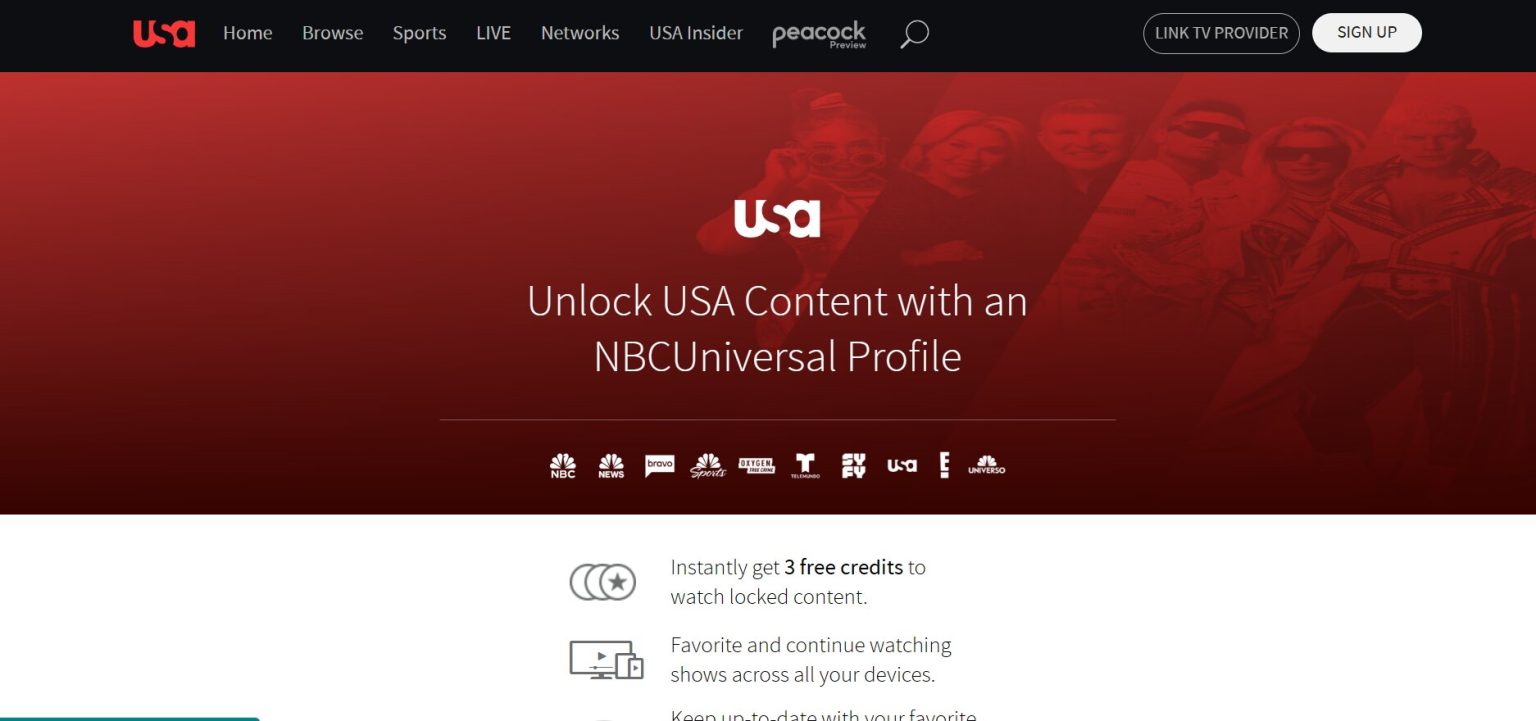
Step 2: Open the App and Find the Activation Code
Launch the USA app on your TV or streaming device. Depending on the device and app version, select Sign In, Link TV Provider, or open locked content.

An activation code may appear on the television screen.
Step 3: Use the Official Activation Website
On a phone, tablet or computer, open the official NBCUniversal activation page:
[Activate your device through NBCUniversal]
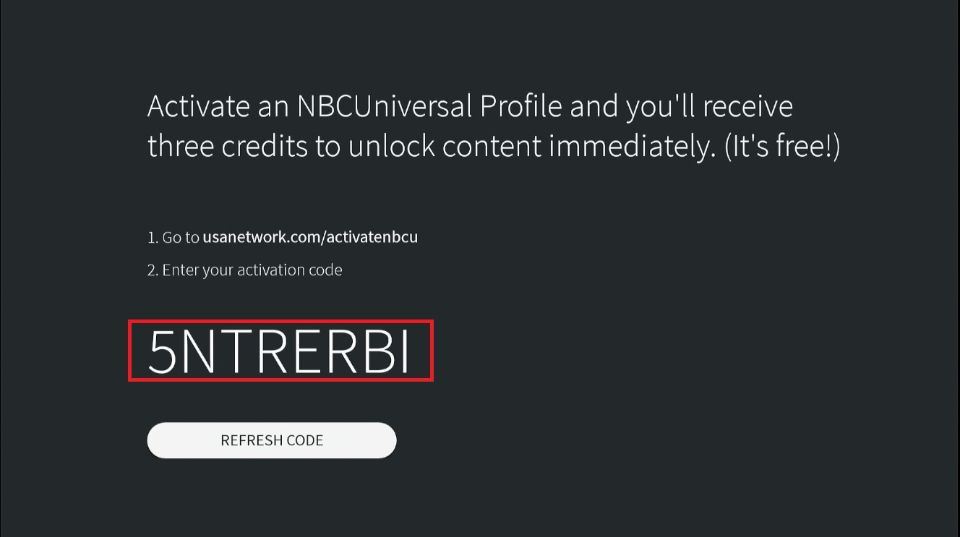
Enter the code displayed on your TV. Official NBC support states that connected devices may provide an alphanumeric code, which can be entered at the NBC activation page to link the device to a participating TV provider.
Step 4: Select Your TV Provider
Choose your cable, satellite or eligible digital TV provider from the list.
Then enter the username and password associated with your TV-provider account. Once verification is complete, your device should be linked and the USA app should refresh automatically.
Activate USA Network on Android TV
1. Turn on your Android Smart TV and go to the Play Store.
2. Search for the USA Network App and download it.
3. In order to activate the app, you must first download it.
4. Use any browser on your Smartphone or PC/Laptop to access usanetwork.com/activatenbcu.
5. You will need to enter the USA Network Activation Code and select your TV provider.
6. Once again, click on Continue.
7. You can watch TV shows, movies, and dramas on USA Network App once the process is complete.
How to Activate USA Network on Roku?
1. Press the Home button on your Roku remote.
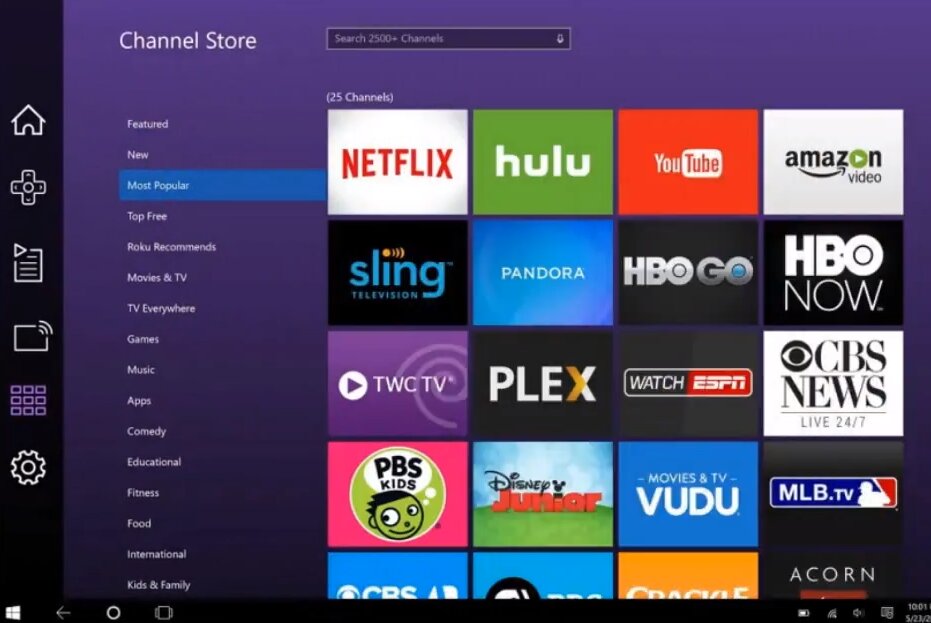
2. Search the Roku Channel Store for the official USA app.
3. Add the channel and open it.
4. Select the option to sign in or link your TV provider.
5. Note the activation code, if one appears.
6. Open the official activation page in a browser.
7. Enter the code and sign in through your TV provider.
How to Activate Your Canadian Tire Triangle Credit Card Online
How to Activate USA Network on Apple TV?
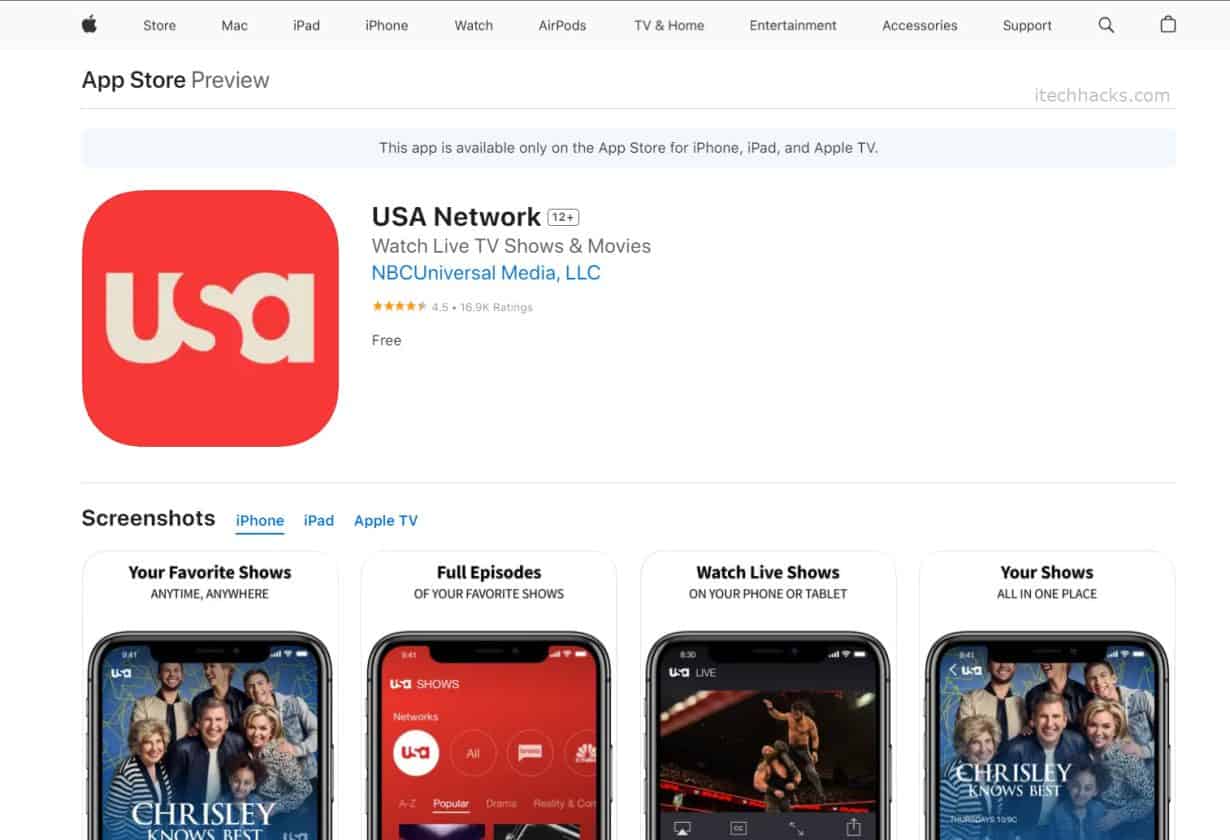
Install and open the USA app from the Apple TV App Store. Then follow the on-screen instructions to link your TV provider.
If you are using a standard activation flow and receive a code, use the official NBCUniversal activation instructions. There is also a specific exception in NBC’s current help documentation for third-generation Apple TV users watching USA Network, who may need to use the dedicated USA Apple TV activation page instead.
How To Activate USA Network on Fire Smart TV?
1. Click the Search Icon and type USA Network into the search box.
2. Choose USA Network App.
3. Install the USA Network app.
4. Launch USA Network Channel > Copy Activation Code.
5. Use any browser on your Smartphone, PC, or laptop to visit usanetwork.com/activatenbcu.
6. Enter the USA Network Activation Code.
7. Next, choose your TV provider.
USA Network Activation Not Working? Try These Fixes
If the activation code does not work:
Check if the code has gone past its usefulness. NBC says activation codes can refresh every few minutes. Go ahead and generate a fresh code and put it in again if you think you need to.
- Clear your browser cache and cookies.
- Use Incognito or Private browsing mode.
- Try a different web browser, just to rule out quirks.
- If your device just refuses to generate an activation code, delete and reinstall the USA app.
- Also confirm you are signing in using a supported TV provider, and that your subscription actually includes USA Network
Do You Need A Cable Or TV Subscription?
For locked content and anything live, you generally need a subscription from a participating cable, satellite, or eligible digital TV provider. That provider has to include the relevant channel and allow streaming in your area. Also, an internet-only subscription isn’t always the same thing as a qualifying TV-provider subscription and that detail matters.
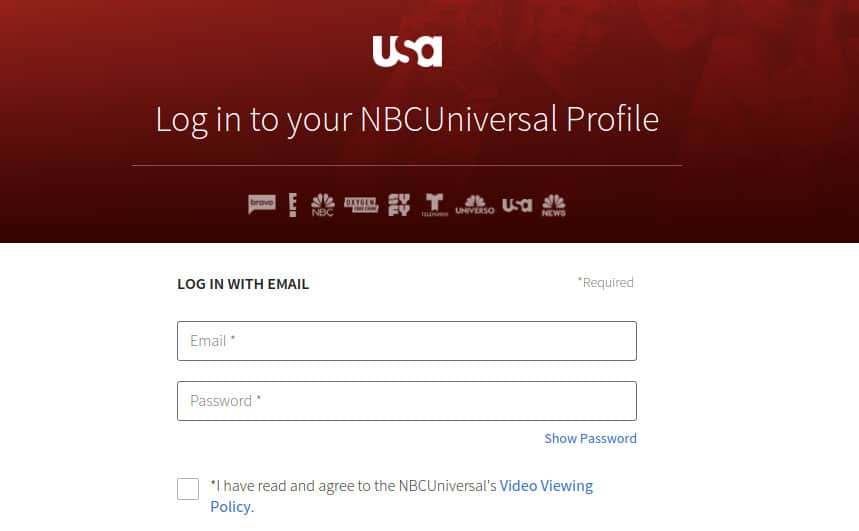
You can create an NBCUniversal profile too, but a profile and a TV-provider subscription sort of do different jobs. The USA Network account page currently shows options to sign in to an NBCUniversal profile and then link a TV provider.
Is USA Network Available Outside The United States?
The latest USA Network app info says full episodes and live TV can be limited by location to the United States and U.S. territories, and this depends on the specific service and content rights involved. If you’re outside the USA, there’s a restriction placed on your access to the content based on your IP address.
Outside the United States, people say there’s a way to get around the geolocation limits for the Usanetwork.com/activatenbcu content. Basically, you can use a virtual private network (VPN). A VPN lets you reach the internet from a different country, because the traffic goes through a server that’s located there.
USA Network Customer Support
Official USA Network Support
Customer support website:
[USA Network Contact Support]
The latest USA Network app listing directs users with questions or technical problems to this official support form.
USA Network App Support Email
Email: support@versantmedia.com
This support email is listed on the current USA Network app information.
Official USA Network Website:
[USA Network Official Website]
Device Activation Help
For activation-code errors and troubleshooting, use the official NBC help guidance:
NBC’s support guidance notes that activation codes can refresh within a few minutes, so users should request or enter a new code if the previous one has expired.
Accessibility and Closed Captioning Support
- Phone: 1-800-261-6288
- Email: A11ySupport@VersantMedia.com
This number is specifically provided for accessibility and closed-captioning issues not general activation support.