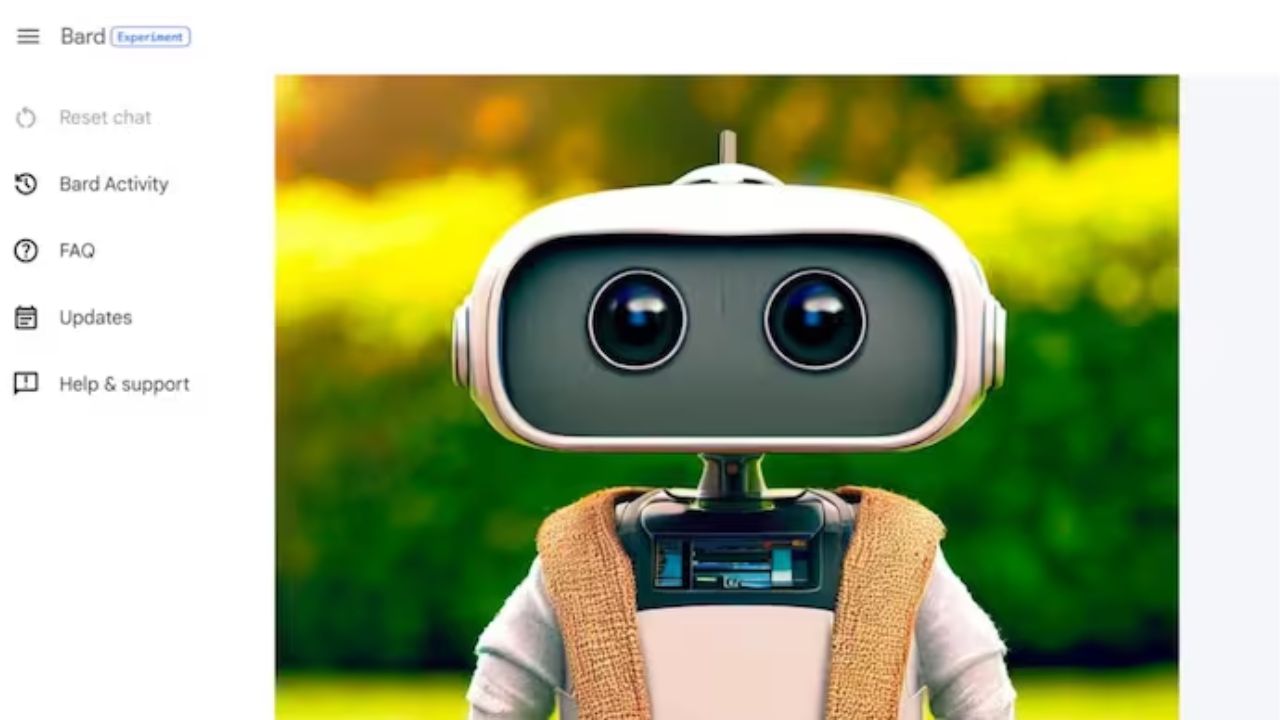
How to Get an Image in a Response From Google Bard: Open bard.google.com in your web browser and sign into your Google account.
Then, enter a prompt that will likely elicit an image response from Bard, such as the following:
Which cat breeds are the most prevalent in America?
Given the nature of the prompt, it is likely that Bard will respond with both text and images.
If for some reason Bard does not respond with images, you may need to specifically request that it respond with images.
Bard should also provide the sources for the provided images. If it does not, you can, as before, request it from Bard.
Alternately, you can merely click on the image to find out where it originated.
FAQ
Let’s examine a few frequently asked questions regarding Google Bard’s capacity to respond with images.
Google Bard provides no official means to extract images from its responses. This is due to the fact that the images are not ‘generated’ in the same manner as other AI tools such as Midjourney or Stable Diffusion. You could always use the ‘Save as’ option with a right-click on the image to save it. However, their magnitude will be proportional to their appearance in the response.
Can images be used as Google Bard prompts?
At present, no. Google Bard is currently incapable of comprehending visual cues, although this may change in the future. Keep a watch on this page for updates in the future.
Google Bard API is it free?
The Google Bard API is free to use. As Bard is still in beta, however, its API is only accessible to a limited number of users.
The incorporation of visual responses gives Bard’s responses the all-important multi-media format. It will not only enable Bard to keep up with chatbot market developments, but also improve the clarity, precision, and entertainment of its responses.
We hope this guide helped you comprehend how to obtain visual responses using Bard. until we meet again!