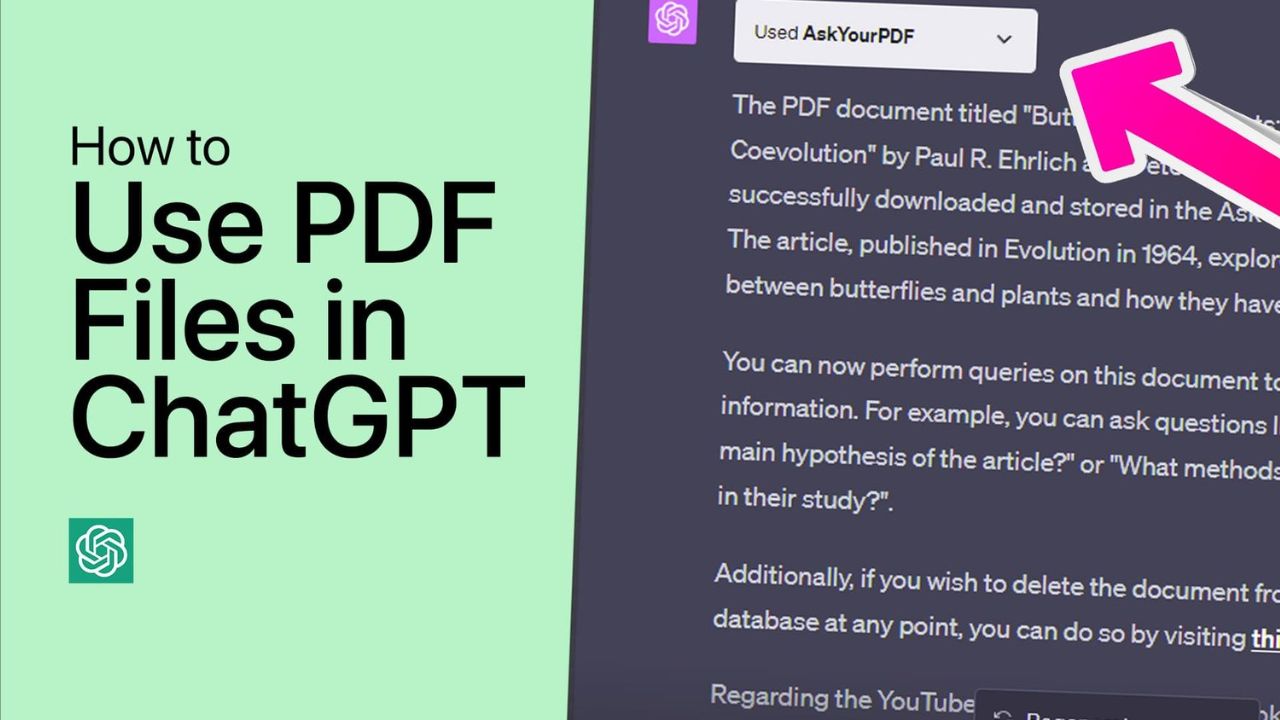
Interacting with PDFs using ChatGPT and AskYourPdf: Long PDF documents can be cumbersome to navigate. Not always is it the most efficient use of one’s time to comb through an entire document to find a single detail.
Enter ChatGPT and its innovative AskYourPDF plugin solution. By uploading your PDF and initiating ChatGPT, you can easily interact with the document and extract only the relevant content. This guide is intended to assist you through the installation and use of the AskYourPDF plugin with ChatGPT, ensuring that you have access to the relevant information.
How to install the AskYourPDF ChatGPT plugin
First, ensure that you have a ChatGPT Plus subscription, as modules are exclusive to GPT-4, which is only accessible through ChatGPT Plus. Click the three-dot menu in the bottom left corner next to your username once you have this information.
- Choose Settings.
- Select Beta features from the menu on the left.
- In addition, ensure that the Plugins option is enabled.
- Now select GPT-4 by clicking on it.
- Then, hover over it and select Plugins.
- Once the plugins are enabled, select Plugins store from the ‘Plugins’ drop-down menu.
- Then, enter AskYourPDF into the search bar and select Install when it appears.
- Close the ‘Plugins store’ window and choose ‘AskYourPDF’ from the ‘Plugins’ menu.
- You are now prepared to use the AskYourPDF plugin on ChatGPT.
Instructions for using the AskYourPDF plugin
Using the AskYourPDF plugin on ChatGPT, the following steps must be taken to upload and extract data from a PDF:
Uploaded PDF file
First, you will need to upload a PDF to the AskYourPDF database. This can be accomplished in one of two ways: by uploading the PDF to the AskYourPDF database or by supplying a direct link to the PDF on ChatGPT.
To begin uploading a PDF file, please select the link below to visit the AskYourPDF website:
AskYourPDF | Link to Upload
- Click the Upload Document Here link.
- Select your PDF file and then click Open.
- Wait until the PDF is uploaded. You will then receive a document ID. Repeat it.
- This document ID can now be utilised in your prompts to initiate interaction with the document.
- Copy and paste this document ID into the text box to initiate ChatGPT’s interaction with your PDF.
If you have a connection to your online PDF, you do not need to upload it to the AskYourPDF database in order to share it.
PDF Interaction: Communicating with and extracting data from your PDF
Now that all the necessary components are in place, we can begin extracting information from the PDF. With the document ID or PDF link inserted in the text field, let’s examine a few examples to determine how effectively it can parse the PDF document and provide the required information:
Exhibit 1
For our first example, we’ve uploaded a book to see if ChatGPT can recognise the PDF’s fundamental elements and additional details. Following a straightforward request, we received a brief one-liner describing the PDF, followed by a few excerpts from the book.
Let’s attempt something specific, such as the main plot’s specifics.
And just like that, AskYourPDF listed the book’s major plot elements, which is quite illuminating given the book’s complexity.
Let’s see if AskYourPDF can identify plot aspects that may not be immediately apparent to an AI tool…
Surprisingly, the AskYourPDF plugin was able to recognise that there was no singular turning point in the book, but that certain scenes marked a change in the narrative.
Exhibit 2
Consider now a second nonfictional text, the Harvard Bluebook on citation. We requested that it identify the topic of the PDF document, and it did so without any difficulty:
Next, we asked it a specific question about the document, such as the format for citing online articles, which it cited as follows…
It even indicated which page the information was taken from.
Finally, we asked it something explicit, such as the PDF-specified username.
And indeed, it did so without any issues.
What is the AskYourPDF Plugin for ChatGPT capable of?
AskYourPDF is capable of a great deal more than merely summarising a novel or quoting specific information from instructional texts due to the variety of PDF formats available and the varying requirements of users.
All professionals will find the AskYourPDF plugin indispensable for saving time and increasing their productivity. Students can obtain the plugin to summarise dissertations, obtain a list of key points to focus on, and inquire about the relevance of the information to their course or assignments.
Journalists, who frequently work under tight deadlines, can benefit from using the plugin to quickly scan through recent articles, news bulletins, and press releases.
When sifting through PDF-formatted journals, research papers, contracts, case studies, manuals, etc., to locate essential points and deliverables, scientists and legal advisors will find the plugin useful.
Similarly, anyone who cares about saving time and accelerating their work, regardless of their industry, will find AskYourPDF to be a valuable tool.
AskYourPDF ChatGPT extension restrictions
Even though the AskYourPDF plugin has a wide range of applications, there are a few limitations that users must be aware of.
For AskYourPDF to access and parse online PDFs, their links must be genuine. Unfortunately, PDF attachments from cloud storage services such as Google Drive and Dropbox are not supported. Download the PDF to your computer and then upload it to the AskYourPDF database, as shown above.
In addition, PDFs cannot exceed 50MB in size. Although this is already a sufficiently large size criterion, it is possible that you may occasionally encounter PDFs that are larger. To circumvent this, you can use online compression services to shrink the PDFs.
FAQ
Let’s examine some frequently asked queries regarding the AskYourPDF plugin on ChatGPT.
What is the maximum PDF file size supported by the AskYourPDF plugin?
AskYourPDF supports PDF files up to 50 MB in size utmost. Anything beyond this will not be processed by the AskYourPDF plugin or database.
Can online PDFs be uploaded to ChatGPT using the AskYourPDF plugin?
If you have the URL to an online PDF, you can copy and paste it directly into the prompt to begin interacting with it.
With nothing more than a prompt, the AskYourPDF plugin is a marvellous instrument for extracting pertinent information. We hope this guide has helped you save time while meeting your requirements. until we meet again!